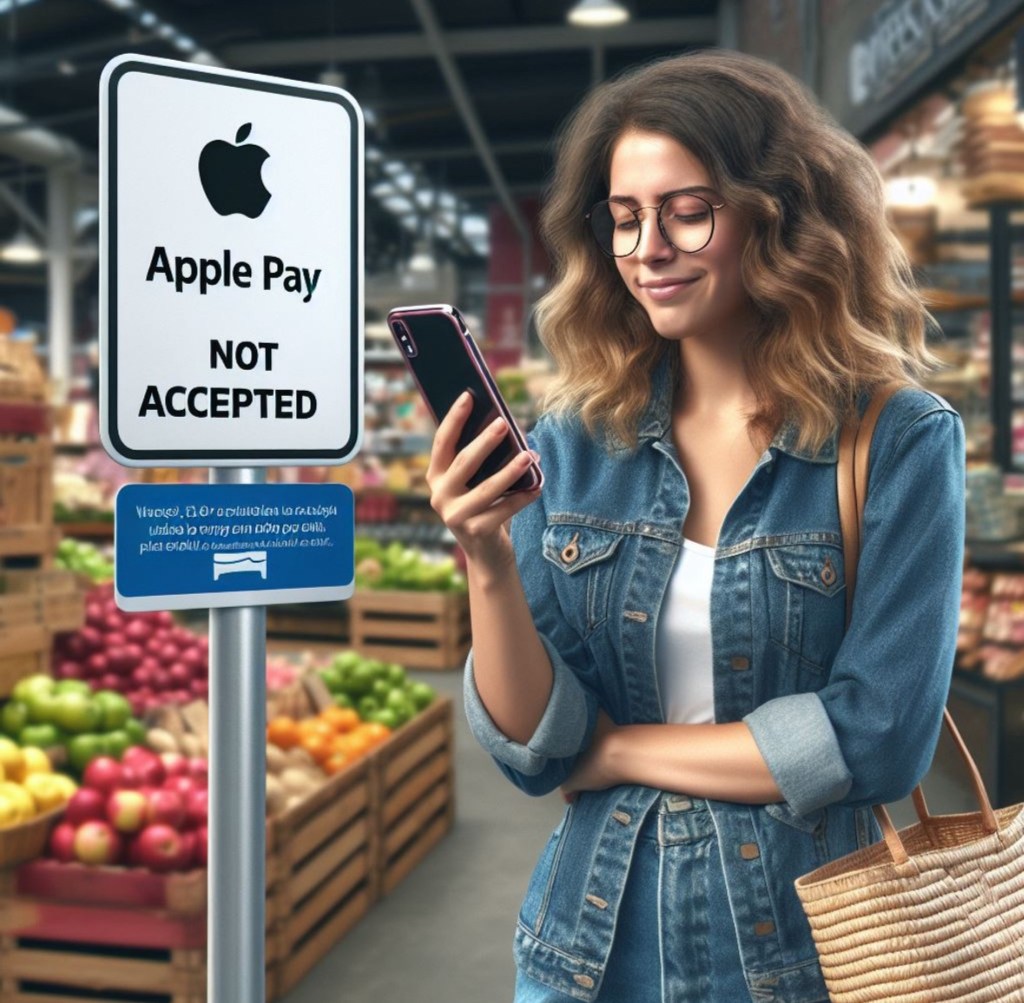
It’s ludicrous that Walmart does not accept Apple Pay. I began to wonder why because I had visited a few times and had to drop my shopping and leave. But I keep forgetting and off I go again to the Store next time.
My first experience
I first heard about Walmart about ten, maybe twelve, years ago. It has since been my first go-to-store for certain household items because of its cost-effective products. But lately it’s going to change.
Why? I’m glad you asked.
To replace or not?
I lost my debit card several months ago. I’m not fretting about it because I know that it’s somewhere in the house. But it’s been a while.
It used to be that one could walk into the bank and get a replacement card till the new one arrives. Unfortunately, that is now a thing of the past. So, I have been delaying requesting a new card. The bank staff once told me to request it when I don’t think I will have need for it. But, is there ever such a day? It’s my debit card. My everyday and everything card.
My advent of Apple Pay
So, I have since resorted to using Apple Pay which I was glad that I had signed up for prior to losing my card. And, yes, I was initially reluctant to enroll for Apple pay. But I finally did it. It is so convenient.
To those who don’t know
Apple Pay is a mobile payment and digital wallet service developed by Apple Inc. Apple Pay was launched ten years ago. It gained popularity within a year of its launch and has been widely used and accepted by shoppers and retailers alike. The millennials love Apple Pay.
Apple Pay allows users to make payments using compatible Apple devices such as iPhones, iPads, Apple Watches, and Macs. Here’s how it works:
1. Add Your Card(s): Users can add credit, debit, and prepaid cards to their Apple Wallet app. These cards can be from participating banks and financial institutions.
2. Authenticate: To make a payment, authenticate yourself by using either Face ID, Touch ID, or other device passcode, depending on the device you’re using.
3. Payment Process: When making a purchase in-store, you hold your device near a contactless reader and authenticate using the methods mentioned above. For online purchases, you can select Apple Pay as your preferred payment method and complete the transaction using your biometric authentication or device passcode.
4. Security: Apple Pay uses tokenization to secure transactions. Instead of transmitting actual card numbers, a unique token is generated for each transaction, reducing the risk of fraud. Additionally, Apple does not store card numbers on devices or its servers.
This latter part is what I love most. I knew this when I returned an item I once purchased when I still had my physical card. To process the refund, I inserted the card but it kept telling me that the item wasn’t found on the card. I was perplexed. Though I used the card to set up the Apple Pay, it generated a unique token thus treating it differently.
5. Compatibility: Apple Pay works at millions of locations worldwide, including retail stores, restaurants, in-app purchases, and online merchants. However, its availability may vary depending on the region and the retailer’s support for contactless payments.
6. Peer-to-Peer Payments: Users can also send and receive money through Apple Pay Cash, a feature that allows for peer-to-peer payments within the Messages app.
I just stumbled on this about two months ago. My daughter informed me about it. I almost now prefer it to Zelle.
Overall, Apple Pay offers a convenient, secure, and fast way to make payments both in-store and online using compatible Apple devices.
So why is Walmart still lagging?
I was curious. Short of calling Walmart’s Customer Service, the Youtube video is what I found.
Walmart is not the only retailer though. Some mom-and-pop stores (small businesses) also don’t.
It’s always about cost.
Walmart is a cost-effective retailer that passes the savings on to its customers. So, I can understand. But, I can only imagine the huge sales being lost for not accepting Apple Pay.
What are your thoughts on Apple Pay? Do you like and/or use it?
 Think-Talk